GoPay Checkout -

API v4

The customer pays. Right on your website.

Move the entire payment process into your online store’s checkout. No redirects, fewer abandoned carts, and full support for Apple Pay, Google Pay and QR payments.

PCI DSS Level 1 19 823 merchants No setup fee
The customer pays. Right on your website.

Why GoPay Checkout

Redirects cost conversions

A customer who leaves for a payment gateway may not come back. GoPay Checkout changes that.

An uninterrupted purchase

Customers complete their purchase where they started it. There is no need to move to a third-party page.

One touch. Paid.

Apple Pay and Google Pay in one click, with no card details to enter. QR payment as an added bonus.

Your brand, your rules

Colours, logo, font... the checkout adapts to your online store. Trust and conversions grow.

How it works

The payment stays with you. From start to finish.

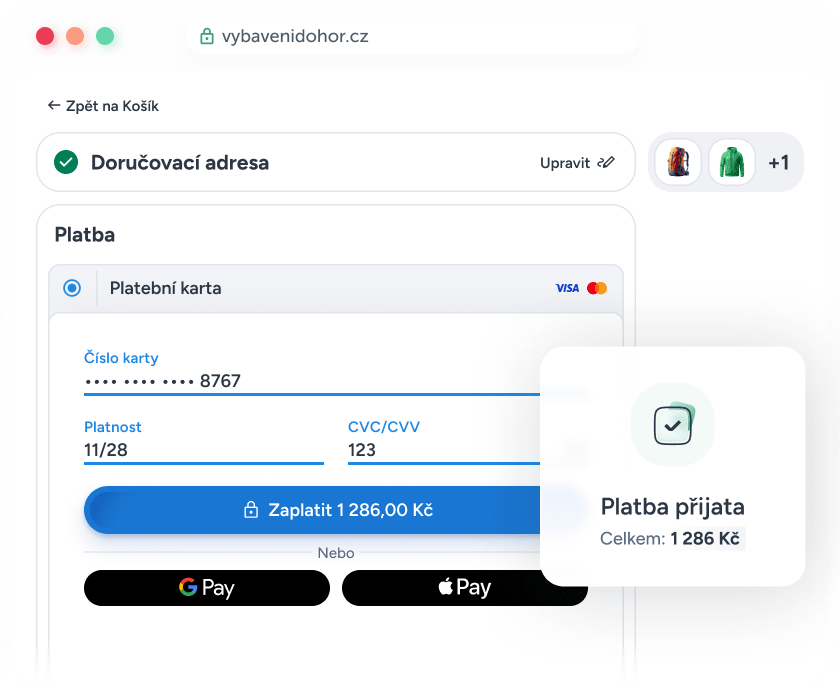
The customer selects a method. GoPay Checkout displays the right UI directly in the checkout. No redirects. No third-party page.

Step 1

The customer selects a payment method directly in the checkout

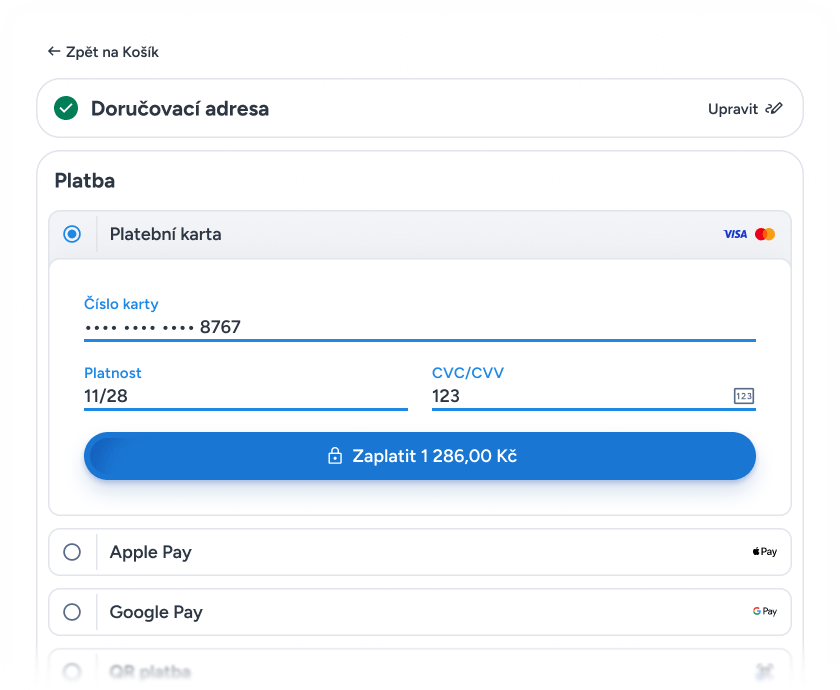
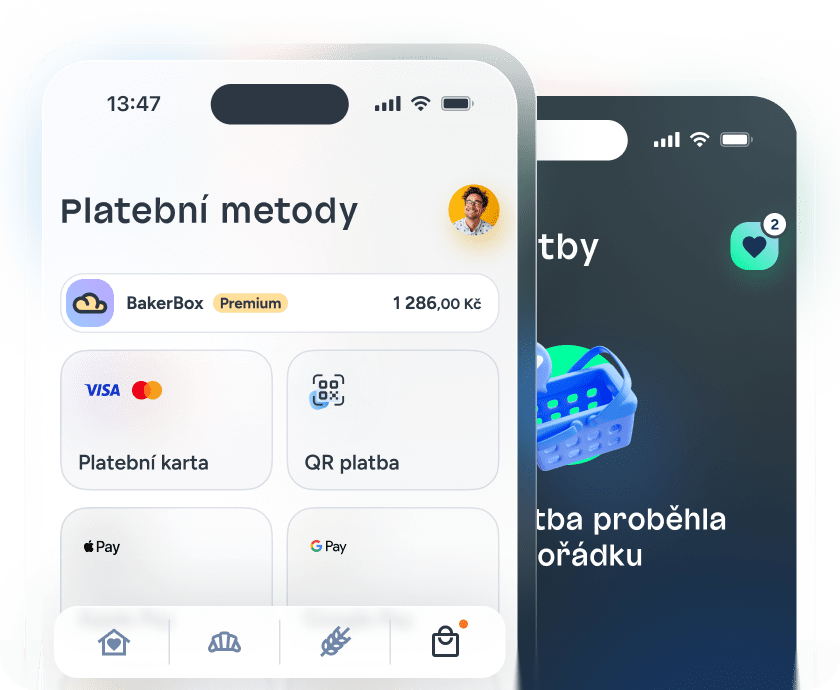
The payment block is part of your page, so the customer sees all available methods (card, Apple Pay, Google Pay, QR payment...) as a natural step in the order. They do not go anywhere or leave anything behind.

Step 2

The customer pays using a method they know

GoPay Checkout displays the right UI directly in the checkout. Whether the customer chooses a card, Apple Pay, Google Pay or a QR payment, every method works without a redirect.

Card payment

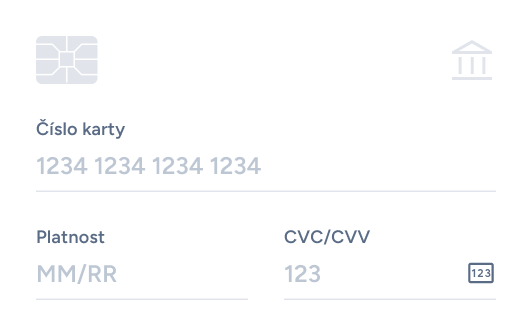
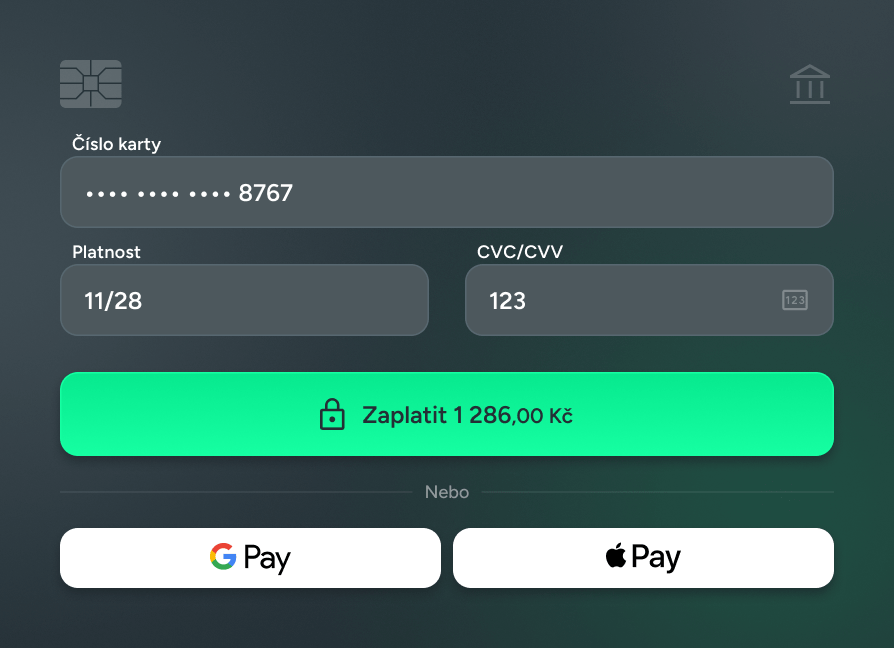
GoPay displays the payment form directly in the checkout. The customer enters their card details on your website and does not go anywhere else.

Apple / Google Pay

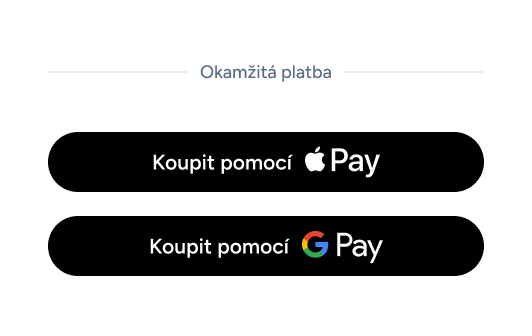
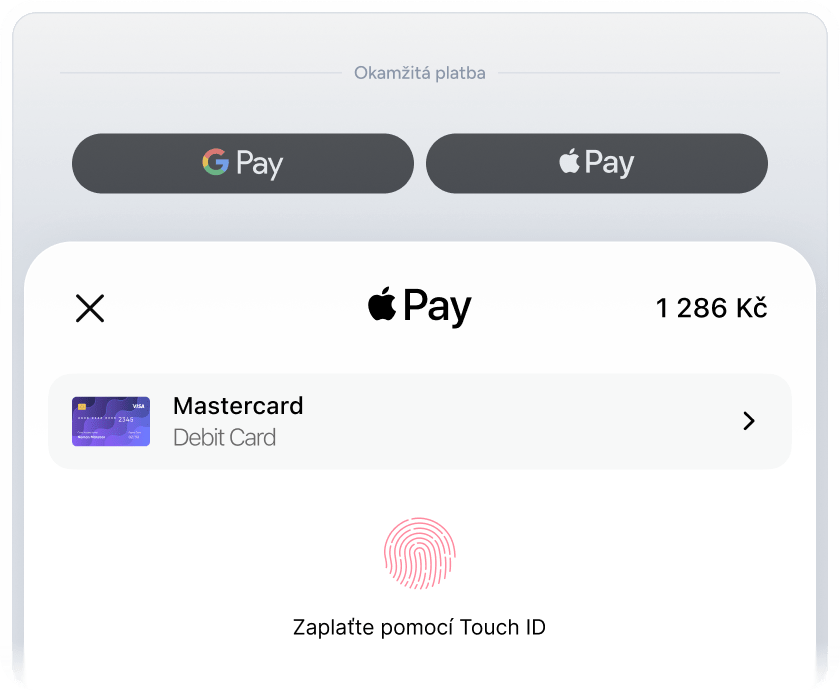
GoPay opens the device’s native dialogue. The customer confirms the payment using Face ID, Touch ID or a PIN. The payment is completed with one touch.

QR payment

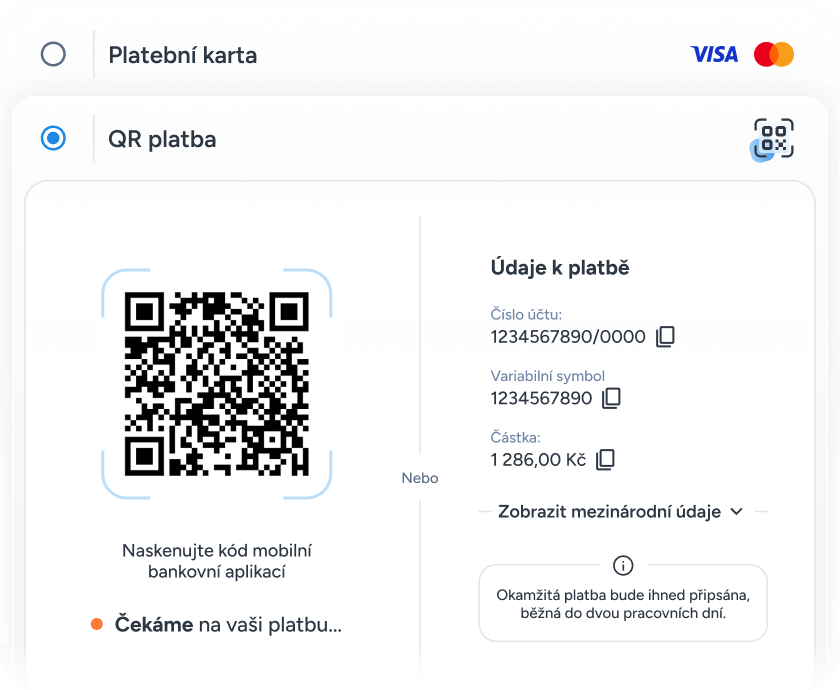
GoPay displays a QR code directly in the checkout. The customer scans it in their mobile banking app and the payment is made immediately.

Exclusive to GoPay

Step 3

The customer completes the payment and stays with you

Confirmation appears immediately on your online store’s website. The customer has not gone anywhere or disappeared onto an external gateway. They bought from you and are ready to buy again.

What you get

Designed for a higher-performing checkout

A complete payment solution tailored to your online store.

01

Card payments directly in the checkout

The payment form appears as part of your page. The customer enters their card details directly on your website – with no redirect and no loss of shopping context.

The form is hosted directly on your domain
Visa, Mastercard, Maestro
3D Secure without interrupting the flow
Q4 2026
Card payments directly in the checkout

02

Native Apple Pay and Google Pay

Mobile payments that really work. No redirects and no additional verification. On mobile, one touch is all the customer needs to complete the payment.

Native integration with no redirects
iOS and Android
Face ID / Touch ID / PIN — automatically
Native Apple Pay and Google Pay

03

QR Payment
The only provider in the Czech Republic

Let customers pay by QR code through mobile banking. No card and no extra app – simply scan and confirm. A feature other payment gateways do not offer.

Works with every Czech bank
No payment card required
Supports business and personal accounts
QR Payment

04

Payments in mobile apps

Do you have your own iOS or Android app? The GoPay SDK can integrate it in a matter of hours. The payment UI adapts to the design of your app, so the customer stays in your environment.

SDK for iOS and Android
Payment UI styled to match your app
No redirect to a browser
Payments in mobile apps

GoPay API v4

Integrate in hours, not weeks.

It gives developers control and merchants a better customer experience.

Ready to integrate

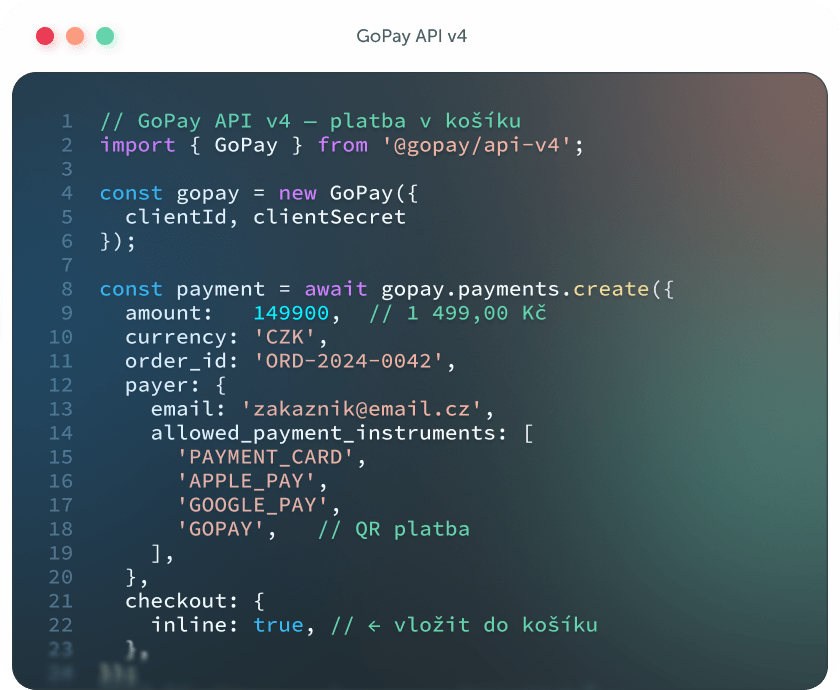
A modern REST API, SDK libraries and a sandbox environment help speed up the development and testing of your new checkout.

REST API Webhook SDK

Security from the ground up

We do not see security as a one-off feature, but as part of our everyday care for customers.

TLS 1.3 OAuth 2.0 PCI DSS L1

Precisely controlled permissions

The API uses separate access levels. Each part of the integration receives only the permissions it actually needs.

Scoped tokens RBAC Audit log

Ready for future growth

One API for web checkouts, mobile apps and future payment scenarios. Designed to grow with your project.
Web Mobile apps Scalable

Brand customisation

Look like you, not like a bank.

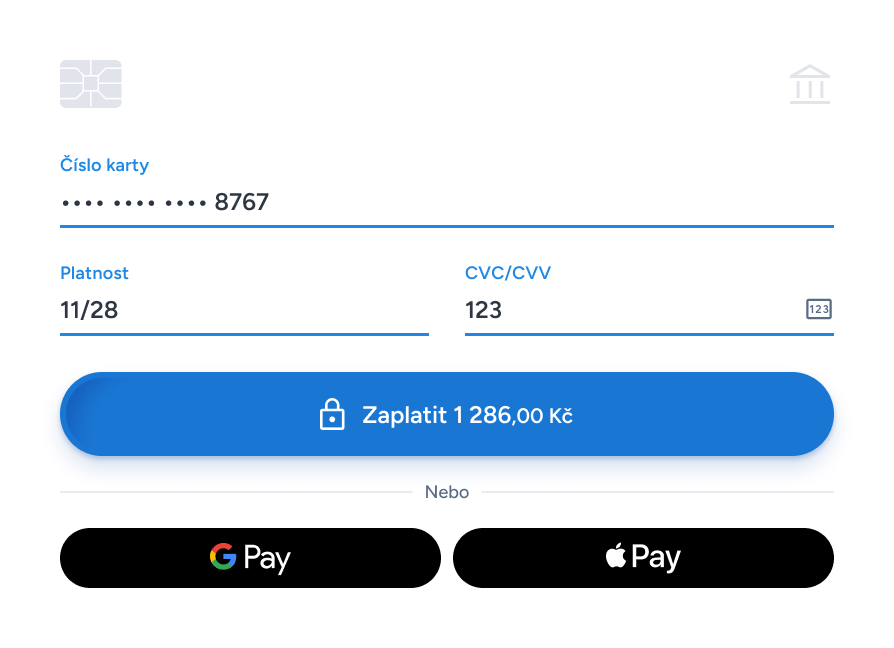
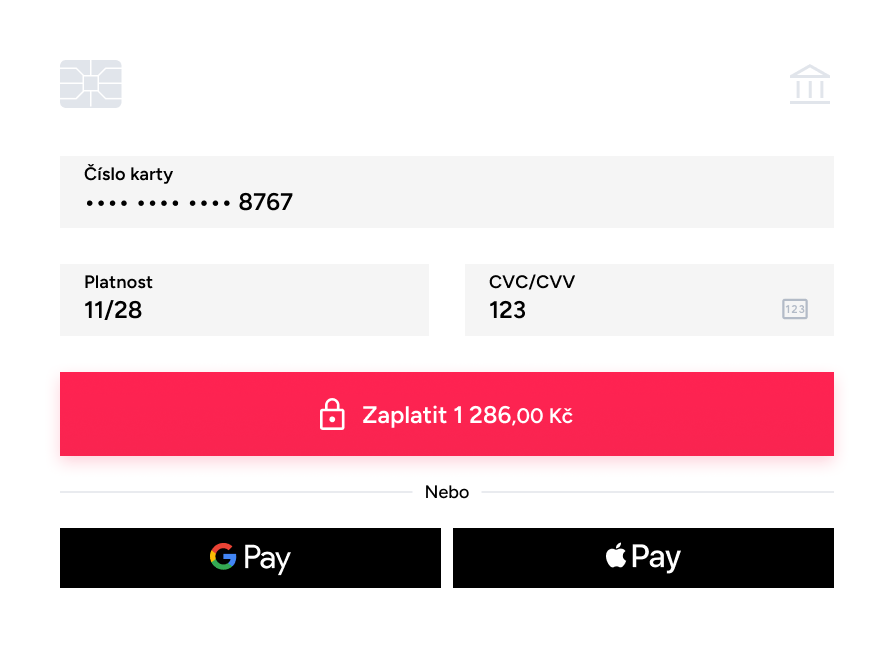
Set your colours, logo and typography. The customer pays in an environment that looks like your website. Trust grows, and so do conversions.

GoPay Checkout · The next generation

Make payment part of the purchase.

Get started for free. Integrate in hours, not weeks. No commitments, no hidden fees.

19 823

active merchants

99,9 %

system availability

4,6

Google review rating


Questions? We have answers.

What is GoPay Checkout?
GoPay Checkout is a payment solution that lets you integrate payment methods directly into your online store’s checkout. The customer does not need to be redirected to an external payment gateway – the entire payment process takes place directly on your website.
How does payment directly in the checkout work?
Using the GoPay JavaScript SDK, you embed the payment block directly into your checkout’s HTML. The customer sees payment methods as a natural step in the order process, chooses their preferred method and completes the payment without leaving your website.
Which payment methods does GoPay Checkout support?
Checkout supports Apple Pay, Google Pay, payment cards (Visa, Mastercard, Maestro) and QR payments. The existing payment gateway remains available through the new API for bank transfers, BNPL and more than 40 other methods. You can tailor the range of payment methods to the needs of your online store.
Does GoPay Checkout work on mobile?
Yes. Checkout is designed mobile-first. It fully supports Apple Pay and Google Pay for fast payments on mobile devices without the need to enter payment details. The payment block is responsive and adapts to the screen size.
Can I customise the appearance of the checkout?
Yes. Through theme configuration, you can set the primary colour, button style, corner radius and other visual elements so that the payment section naturally matches the design of your online store.
How does the integration work?
Integration takes place in three steps: registering a GoPay account and obtaining access keys, adding the JavaScript SDK to your page, and configuring the payment block. The average integration time is 1–3 working days. GoPay provides technical documentation and integration support.
Is a sandbox available?
Yes. GoPay offers a full-featured testing environment (sandbox) free of charge. In the sandbox, you can test the entire payment flow, including all payment methods, without real transactions.
Where can I find the technical documentation?
Complete technical documentation, code samples and integration guides are available at GoPay Payments API v4. The GoPay developer team is also available for direct technical support.
I have an existing integration – do I need a new implementation?
Yes. The new GoPay API v4 differs from the previous version, and switching to payment directly in the checkout requires changes to your implementation. The GoPay team will be happy to help you with the transition.